


LinvitInstant
Leafy Wedding Crest Logo SVG | Digital Download
Leafy Wedding Crest Logo SVG | Digital Download
Couldn't load pickup availability
Looking for the perfect wedding crest logo for your big day?
Our elegant wedding monogram crest design svg brings natural sophistication and personal charm to your wedding branding. Whether you're creating custom wedding signage, wedding decorations, or wedding invitation stationery, this wedding crest offers professional polish and effortless customization. A beautiful premade design, ideal for couples seeking a personalized yet refined touch through an editable wedding crest.
What's Included with Your Download
Get everything you need to create stunning wedding assets at home or professionally.
You’ll receive:
- SVG file (for large-scale printing: signs, decals, dance floors)
- AI file (editable vector file)
- EPS file (standard for high-quality printing)
- PNG file (transparent background for layering)
What is a wedding monogram crest?
A wedding monogram crest is a decorative emblem that combines a couple’s initials, names, or personal symbols into a single, artistic logo. It creates a consistent visual theme for your wedding invitation stationery, signage, programs, menus, favors, and keepsakes. Using an elegant wedding monogram crest design svg instantly elevates the look of your celebration and makes it truly memorable.
How to use a wedding crest logo
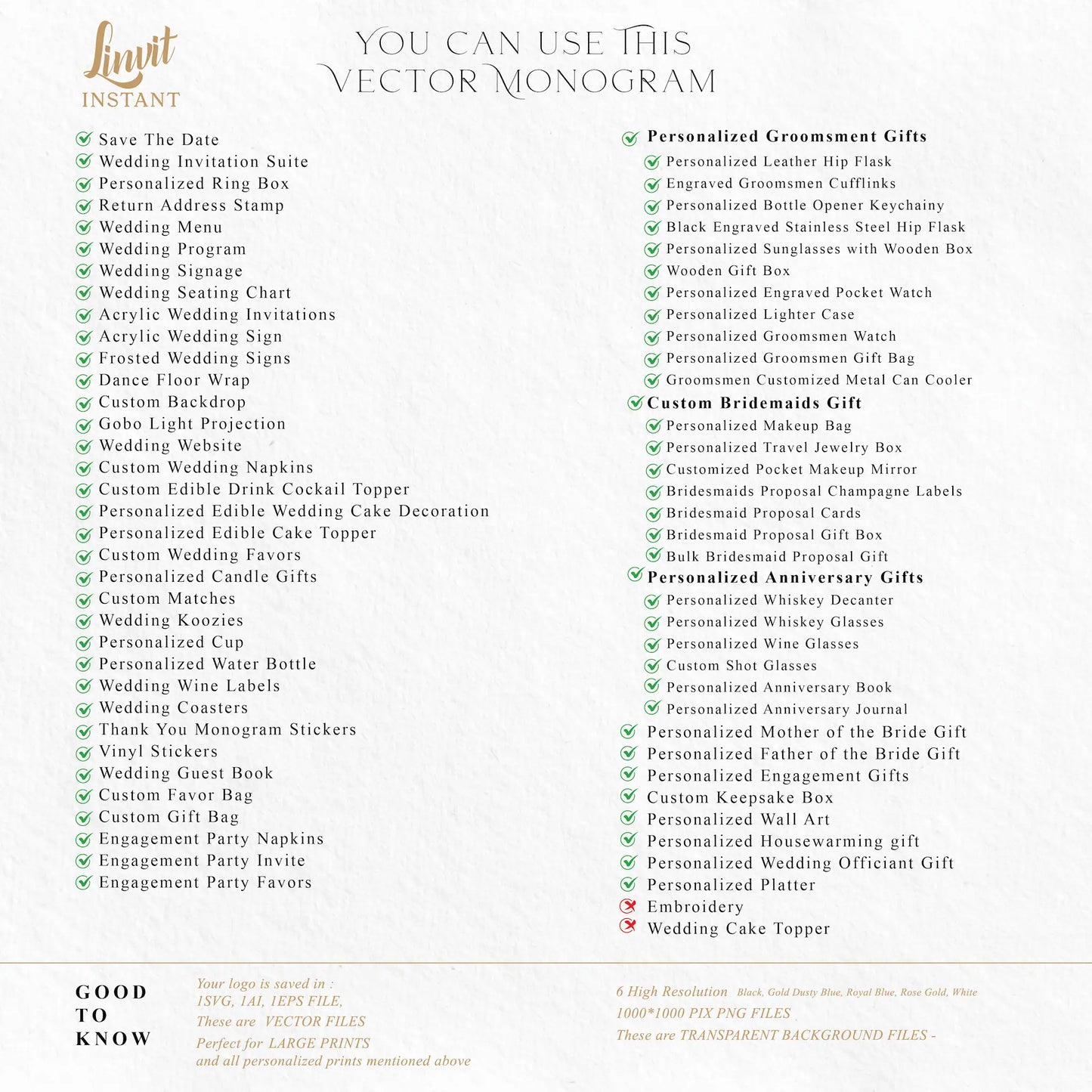
You can apply your wedding crest across a variety of wedding elements:
- Wedding invitation stationery and Save the Dates
- Ceremony programs and menus
- Welcome signs, dance floor decals, and seating charts
- Cocktail napkins, favor tags, and thank-you cards
This design also works beautifully as a custom wedding logo for your website or post-wedding thank-you notes. Simply edit the vector files or use ready-to-go formats for quick projects. Pair it with custom color themes to match your wedding style perfectly.
Can I customize the wedding monogram myself?
Yes!
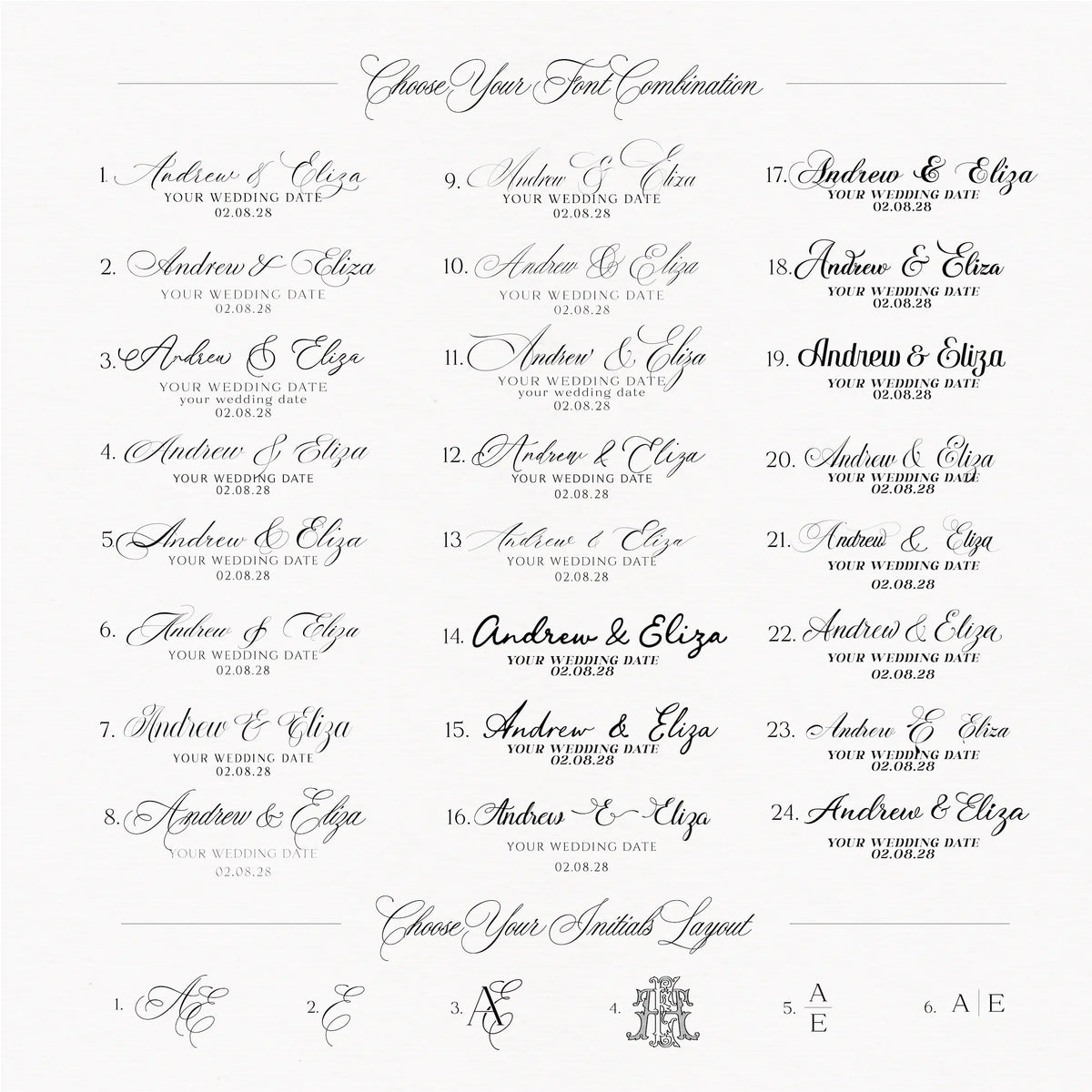
- Open the AI or SVG files in Adobe Illustrator to edit initials, colors, and sizing.
- Use PNG files in Canva or Cricut for simple projects without advanced design software.
- Need help? Learn how to customize your wedding logo in Adobe Illustrator and learn how to use the Zazzle Editor with our free step-by-step tutorials.
Where can I print my wedding signage?
You can easily print your customized designs at:
- Zazzle (perfect for paper goods, signage, and gifts)
- VistaPrint
- Local print shops
- At home with a good color printer
For best results, choose premium cardstock for wedding invitation stationery, adhesive vinyl for signage and decals, or light fabric for banners and backdrops. This ensures your design prints crisp and vibrant at any size.
✅ Wedding Monogram Product Overview
| Feature | Details |
|---|---|
| 🎨 Included Colors | Rose Gold, Gold, Black, White, Chinoiserie Blue, Dusty Blue |
| 🖼️ File Types | PNG (transparent), SVG, AI, EPS |
| 🖋️ Editable Elements | Initials, Colors, Sizing (in AI or SVG files) |
| 📏 Resolution | High-resolution, 300 DPI (print-ready) |
| 🖥️ Compatible With | Adobe Illustrator, Canva (PNG only), Photoshop, Cricut |
| 🧾 Perfect For | Wedding invitation stationery, Save the Dates, Menus, Programs, Signage, Napkins, Favors |
| 🛍️ Where to Use | Zazzle, VistaPrint, Local printers, At home |
| 🎯 Best For Themes | Modern, Vintage, Minimalist, Formal, Boho, Coastal |
| 🔄 Color Customization | Use AI file or purchase our Custom Color Change Service |
| ✨ Bonus | Easily upload to our curated Zazzle templates for quick personalization |
Start customizing today and bring your vision to life.
Add to cart and make it yours now.
Share



Instant download, item as described. Customer service not needed.
Seller communication was great and service was great.