


LinvitInstant
Indian Wedding Crest SVG | Digital Download
Indian Wedding Crest SVG | Digital Download
Couldn't load pickup availability
Looking for a royal-inspired wedding logo with timeless charm?
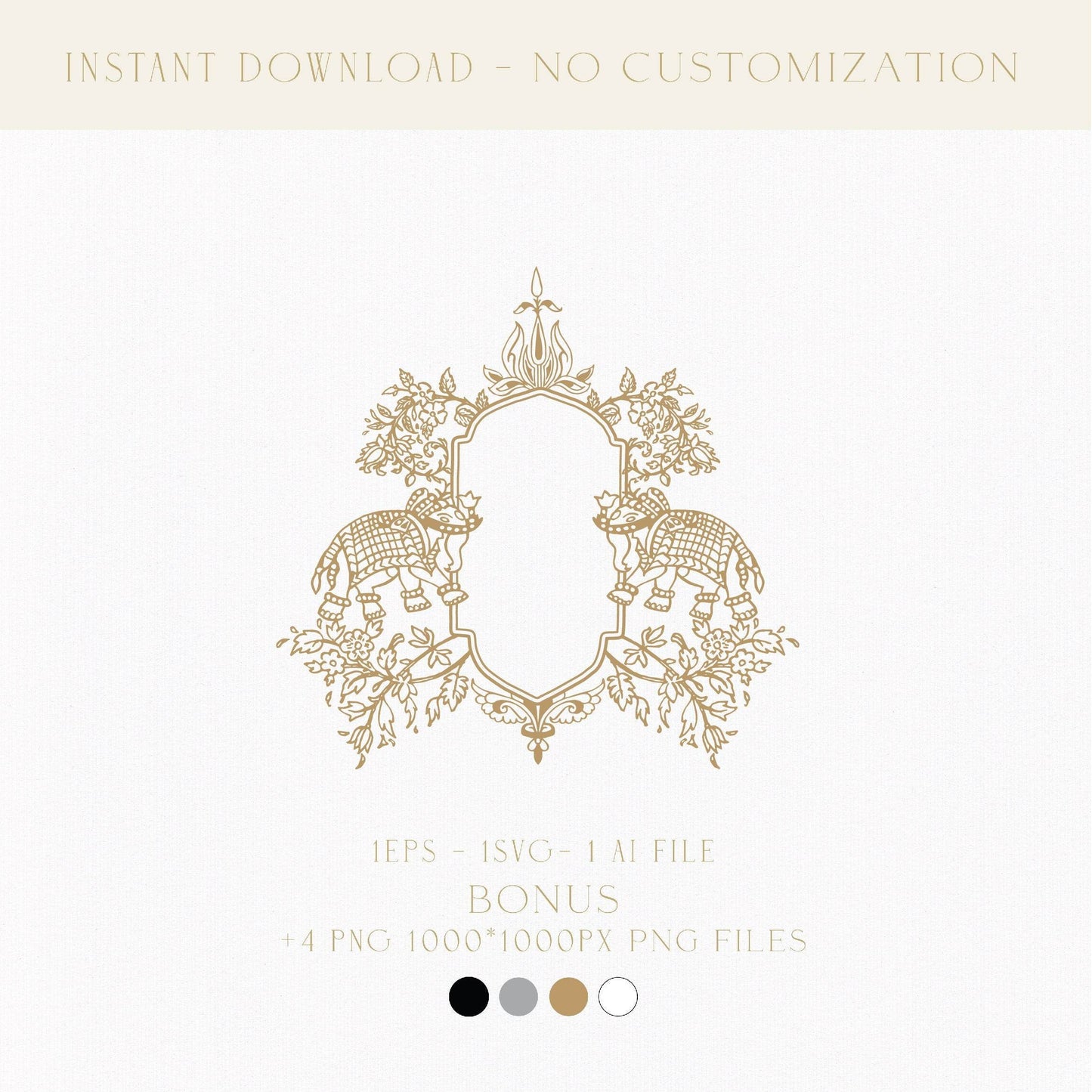
This classic wedding logo design png evokes the majesty of heritage weddings with an intricate double-elephant motif and arched crest shape inspired by palace windows. Designed for couples seeking something symbolic, rare, and elegant, this premade design offers a regal yet personal touch. Whether you’re working on a full wedding invitation template, packaging wedding favor cookies, or uploading to a Zazzle wedding favor box, this piece brings old-world beauty to your modern celebration.
What's Included with Your Download
This crest design is delivered as a digital download, perfect for editing, printing, and uploading to print services.
You’ll receive:
- SVG file (ideal for signage, vinyl cutting, and print)
- AI file (fully editable vector file)
- EPS file (for professional-quality printing)
- PNG file (transparent background for layering)
What is a classic Indian wedding crest?
A wedding crest featuring traditional Indian elements like twin elephants and regal arches symbolizes strength, wisdom, and prosperity. This classic wedding logo design png is ideal for couples who want a monogram that reflects culture and elegance. Its palace-window frame makes it especially suited for stationery, programs, menus, or even a Zazzle wedding favor box with a luxury finish.
How to use this Indian wedding monogram design
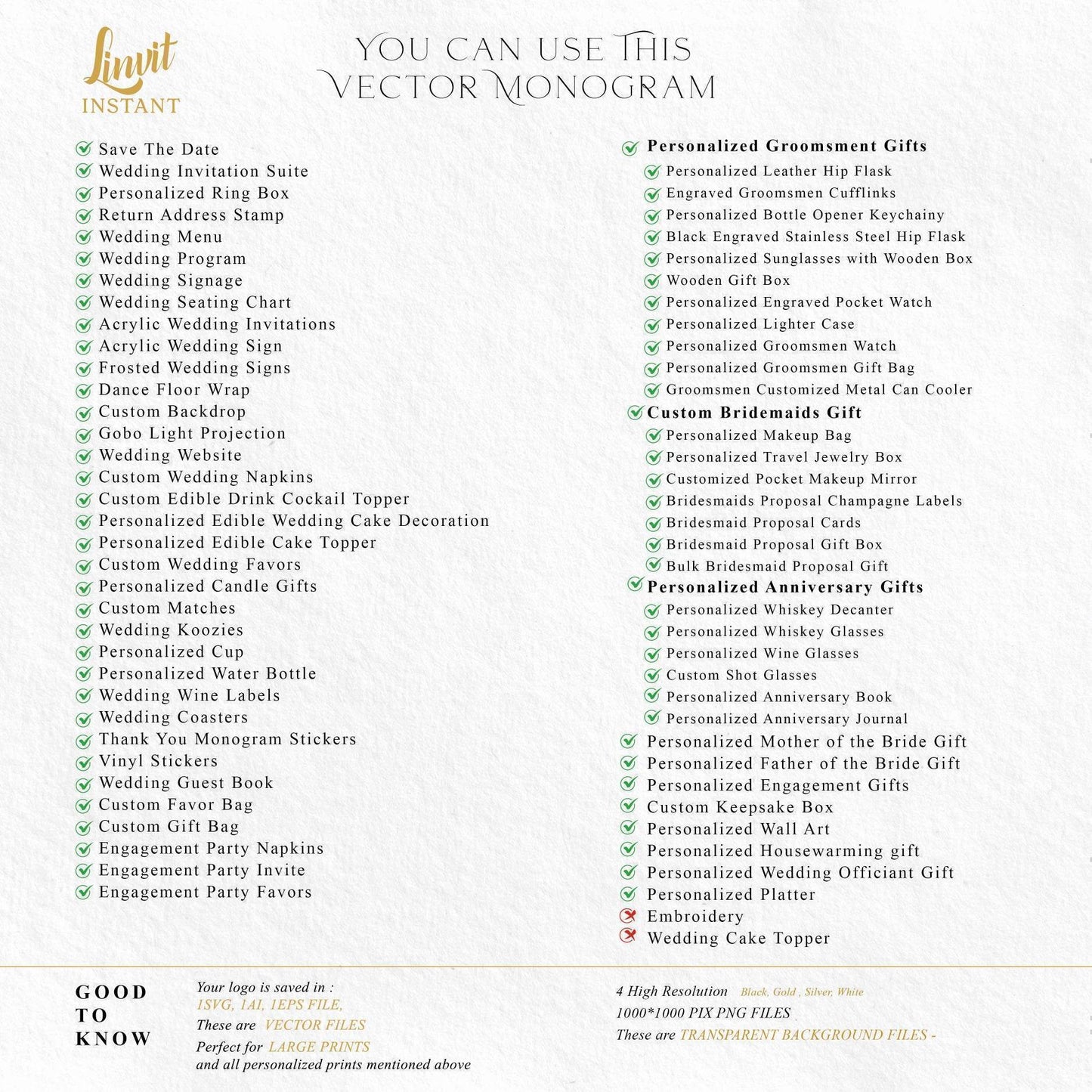
Use this wedding logo template across your event essentials:
- Wedding invitation template and printed stationery
- Welcome signs, thank-you cards, and menus
- Wedding favor cookies, tags, and Zazzle wedding favor stickers
- Personal branding or cultural keepsakes post-wedding
Looking to customize? This custom design is easy to edit using Adobe Illustrator or other vector programs and makes a stunning addition to digital or print materials.
Can I personalize this crest design?
Yes!
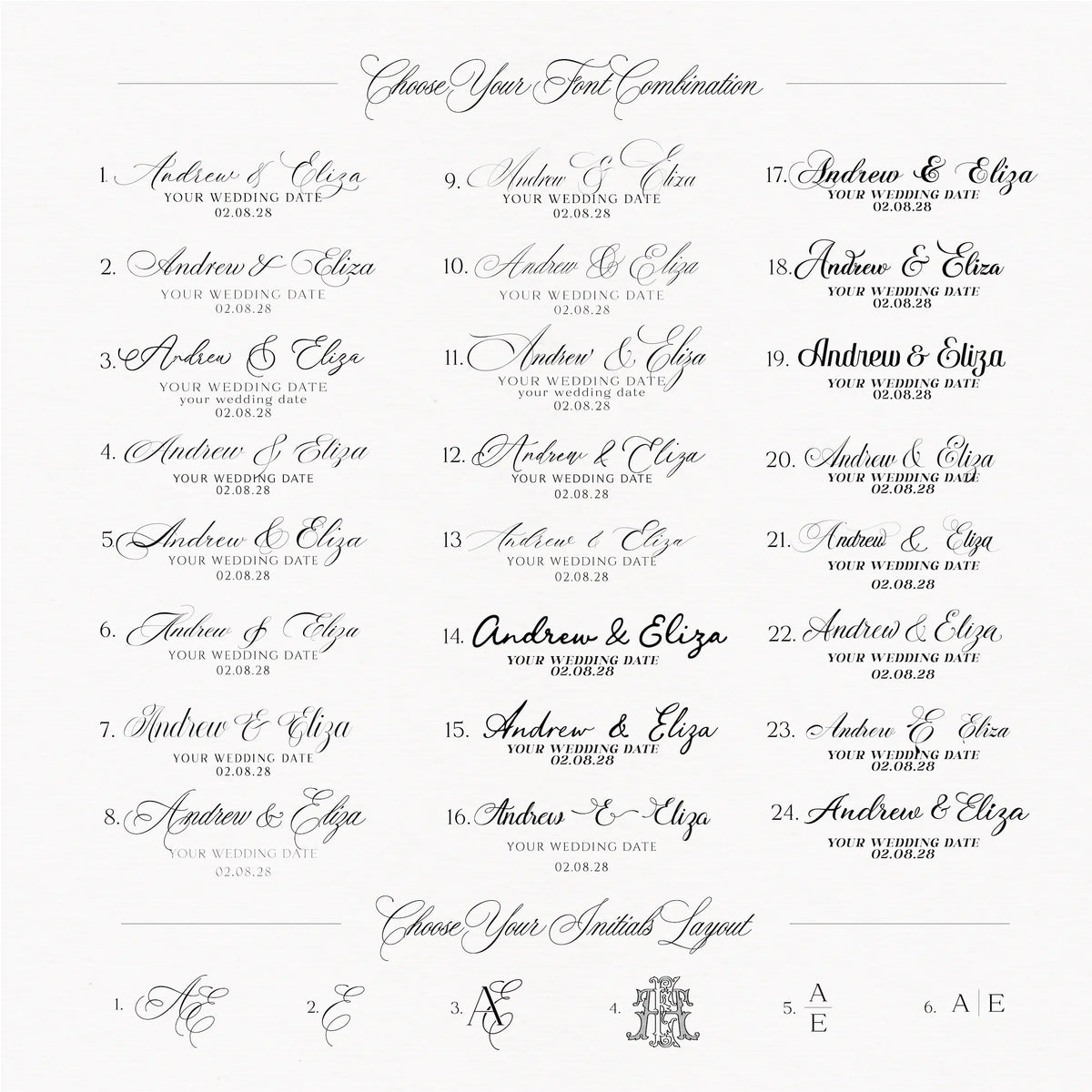
- Open the AI or SVG files in Adobe Illustrator to adjust initials, colors, and sizing.
- Use the PNG version for simple uploads into Canva or Cricut.
- Need help? Learn how to customize your wedding logo in Adobe Illustrator or how to use the Zazzle Editor in our educational blog series.
Where to print your wedding signage and favors
Print your design through Zazzle, VistaPrint, your favorite local print shop, or at home. For different uses:
- Try thick textured paper for wedding invitation templates
- Use sticker paper for Zazzle wedding favor stickers
- Apply to favor tags, boxes, or signage with premium finishes
You can even explore creative gifting by uploading to keepsake boxes or packaging for post-wedding thank-you gifts.
✅ Wedding Monogram Product Overview
| Feature | Details |
|---|---|
| 🎨 Included Colors | Rose Gold, Gold, Black, White, Chinoiserie Blue, Dusty Blue |
| 🖼️ File Types | PNG (transparent), SVG, AI, EPS |
| 🖋️ Editable Elements | Initials, Colors, Sizing (in AI or SVG files) |
| 📏 Resolution | High-resolution, 300 DPI (print-ready) |
| 🖥️ Compatible With | Adobe Illustrator, Canva (PNG only), Photoshop, Cricut |
| 🧾 Perfect For | Wedding invitation stationery, Save the Dates, Menus, Programs, Signage, Napkins, Favors |
| 🛍️ Where to Use | Zazzle, VistaPrint, Local printers, At home |
| 🎯 Best For Themes | Cultural, Classic, Royal, Vintage, Formal |
| 🔄 Color Customization | Use AI file or purchase our Custom Color Change Service |
| ✨ Bonus | Easily upload to our curated Zazzle templates for quick personalization |
Start customizing today and bring your vision to life.
Add to cart and make it yours now.
Share
They did a great job!